Digital Twin 4 · Free and open source
A digital twin that knows your work.
Your notes, decisions, voice rules and limits, available to your coding sessions. It runs on your machine. Selected files become searchable when you save their paths. Session-proposed notes wait for your approval.
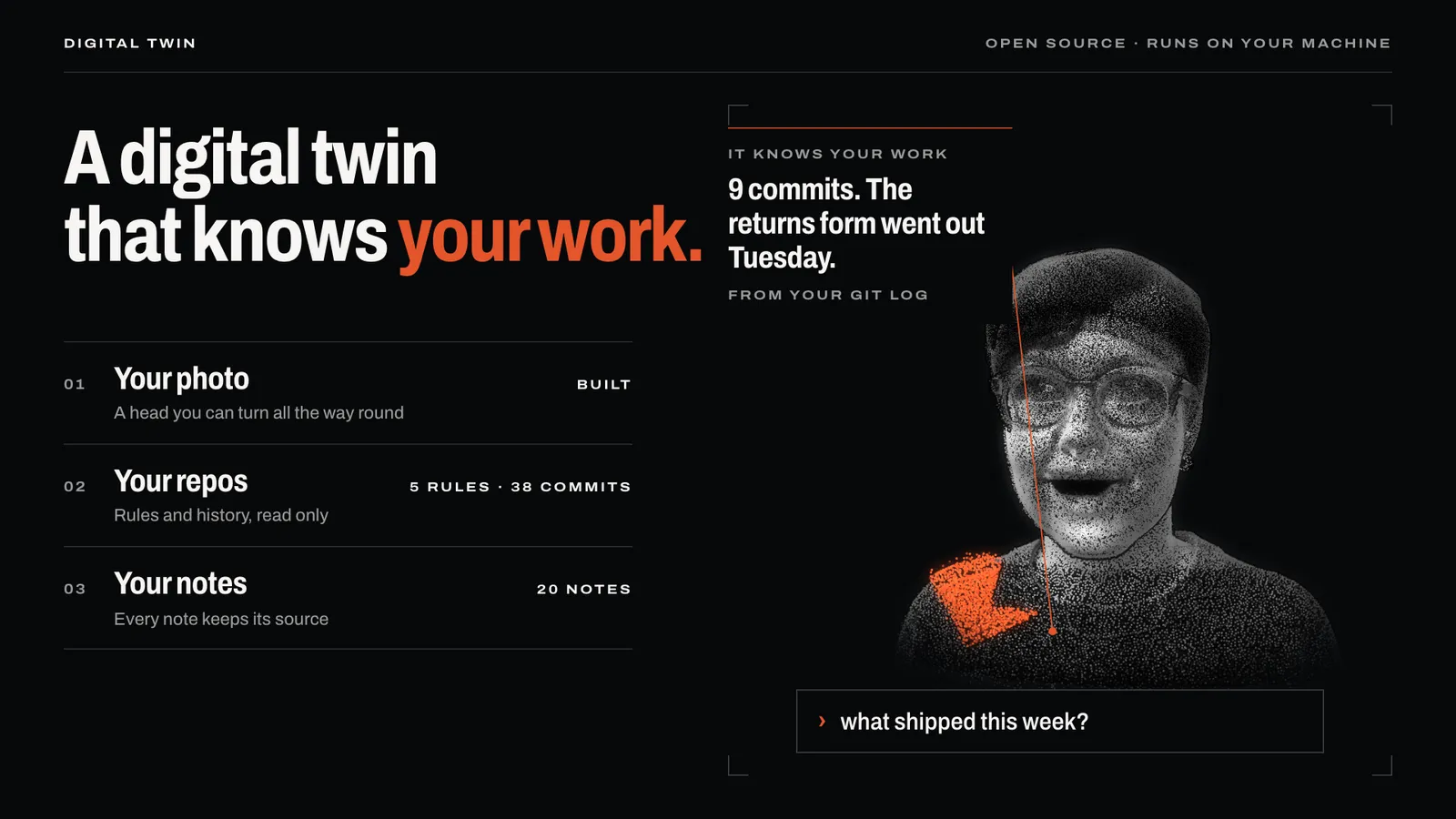
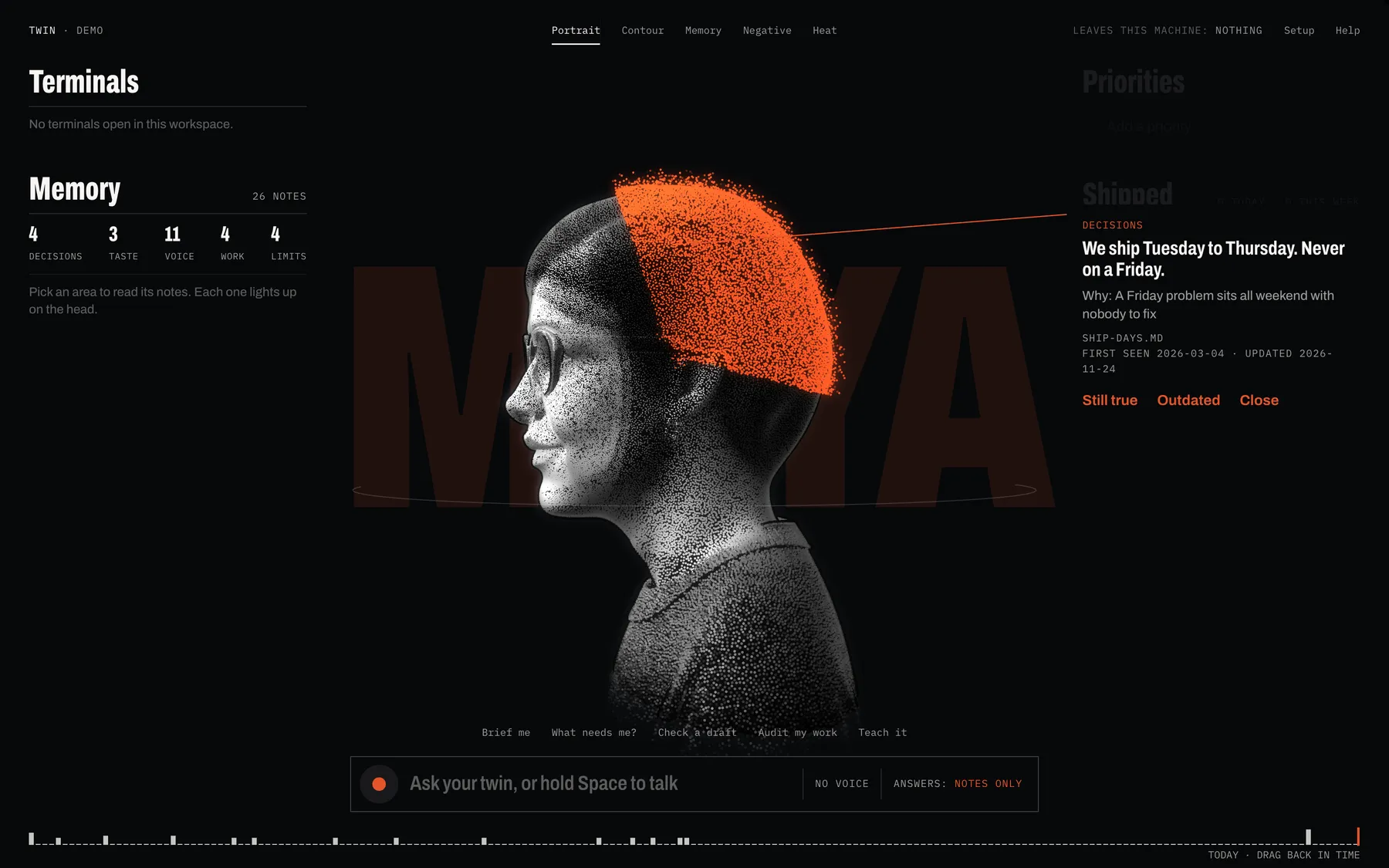
A made-up person: a generated face and made-up notes. The counts and the answer on screen are examples.
Why
AI is fast. It does not know you.
Your corrections do not carry.
You fix it in one session, then fix it again in the next tool. The rule lives in your head, not in anything they can all read.
It does not sound like you.
Drafts come back generic. Fixing the voice by hand takes longer than writing it.
Your limits need a source.
A session needs somewhere to check what requires your approval. Keep those limits beside the decisions behind them.
Work gets scattered.
Your priorities, repo history and decisions live in different places. Bring them into one view.
What goes in
Choose its sources.
01
Your photo
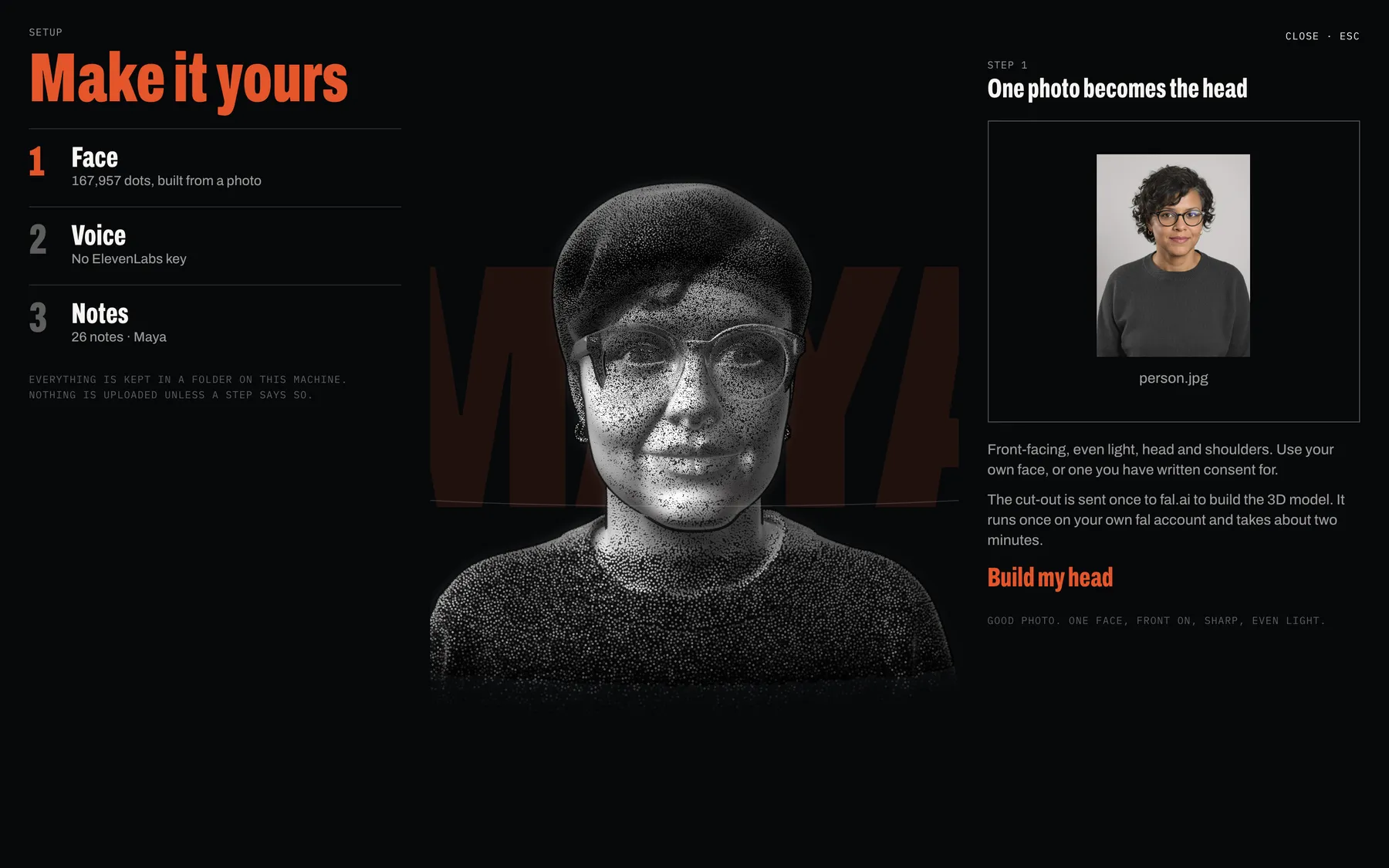
Optionally check one photo, then submit it for a paid head build on your own fal account. You can also keep the demo head.
02
Your repos
List the repos it may read. It reads their history and instruction files, and proposes the rules it finds. You approve each one.
03
Your notes
Point it at a folder of notes. Decisions, taste, voice, work and limits go in, each with its source and date.
Setup lists configured input paths. The app reads your selected notes and repos, the chosen rules and voice profile, and its own learned notes. It reads source files in place and writes its own notes, settings, head files and exports. Optional session discovery also reads local session metadata and transcript tails, including recent prompts. It starts off.
What it does
One memory for every session.
It answers from your work.
Ask what shipped, what you decided, or what you would say. It shows the notes it used, and says so when they do not settle it.
It checks drafts by code.
Paste a draft and see which lines fail the selected rules file. The demo uses example rules. Set your own in Setup; adding notes does not change checker rules.
It checks your limits.
A session can ask whether an action needs your approval and read the matching limits. This is advice. The twin does not run those actions or control other tools.
Sessions can ask it first.
Connect it to Claude Code or another MCP client. A session can look up a decision and propose a note. The page shows recent client use, not a verified identity or live connection.
You can review what it learns.
Accepted notes are Markdown files with their source. Review a proposed change before accepting it, and use the replacement and restore controls for changed decisions.
It can speak.
System speech stays local on macOS or a machine with espeak-ng. ElevenLabs voices and voice cloning are optional, use your account, and depend on its access.
It audits your work.
Checks the listed repos for uncommitted or unpushed work, drafts that fail the selected rules, and possible keys in tracked text files.
It is yours to take.
Export writes learned note files, a summary of imported notes, the rules and the log. Keep the original source files separately. This is not a complete backup of imported notes or provider data.
Privacy
It tells you what leaves.
Default typed demo
Nothing from the app
Local, after you obtain the repo
Answers by Claude
Your display name, question, matched notes with their sources, reasons and dates, priorities, repo summaries, shipped list and voice profile. No further redaction
Claude, through your own account
Rewrite a draft
The draft, selected voice rules and voice profile, even in notes-only mode. A retry also sends check feedback
Claude, through your own account
An ElevenLabs voice
Reply or preview text, selected voice ID and account key on a cache miss. System speech stays local
ElevenLabs
Load your voice list
Your account key requests your available voices
ElevenLabs
Cloning your voice
The recording, chosen voice name, description and account key per submitted request
ElevenLabs
Building the head
Your cut-out photo per submitted build, followed by status polls and a mesh download
fal, through your own key
Model downloads
Requests for a face detector from GitHub and missing background-removal weights. The detector is stored beside the builder; other weights use the model cache
GitHub and the model download host
Connected coding sessions
Notes, sources and work summaries returned to the client. The client may send them to its own model provider
Your coding client and any provider it uses
The corner shows answer and speech settings, rather than a record of each transfer. Use your own face, voice and notes, or ones you have written permission for. Setup asks for self-attestation before a remote head build or voice clone. That does not verify identity or written permission. A photo check uses a temporary file. A submitted build keeps the source photo and intermediate files. Model downloads also use storage outside the app data folder. Local deletion does not delete provider data.
Pairs with Shotkit
The twin holds your taste. Shotkit makes the video.
Shotkit plans shots on a board and checks frames. Connect both to the same Claude Code session and ask it to consult the twin before planning, or propose a note after your feedback. Shotkit does not call the twin on its own.
Start
Start with the local demo.
On macOS or Linux, with Python 3.9 or newer, clone the repo and run the command below from its folder. Native Windows is not supported. The typed demo needs no extra packages or account. Photo builds need extra packages and your fal key. Remote answers and voice have separate setup steps in the repo docs.
python3 twin/twin.py